How to Set Up and Use a Burner Phone
How to Set Up and Use a Burner Phone
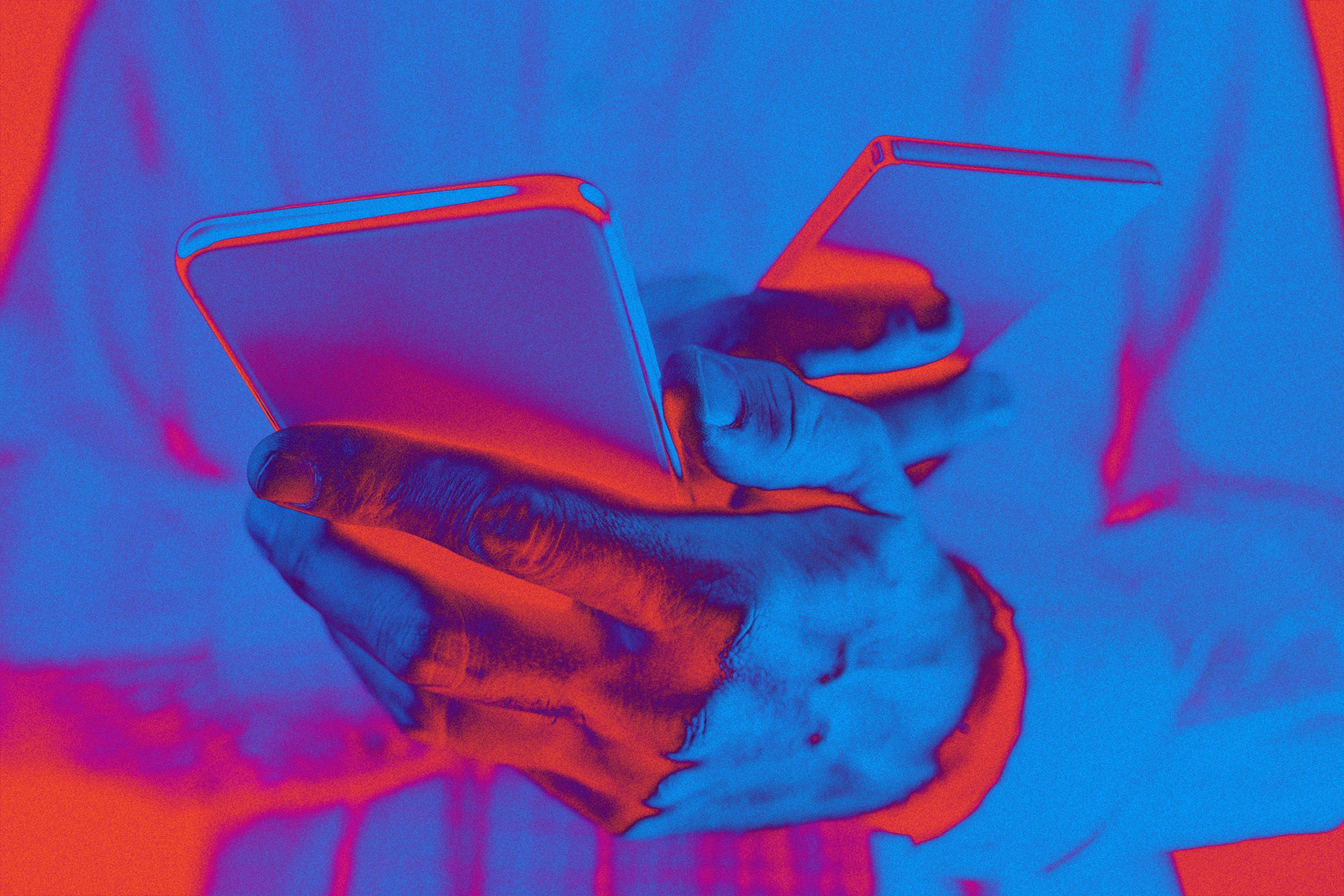
A burner phone is a prepaid mobile phone that you can use temporarily without a contract. It is often used for activities that require anonymity or privacy, such as online dating, job searching, or travel. Setting up and using a burner phone is easy, and this article will guide you through the process.
Step 1: Purchase a Burner Phone
To get started, you will need to purchase a burner phone from a store or online retailer. Burner phones are typically inexpensive and can be found at most electronics stores or department stores.
Step 2: Activate the Phone
Once you have purchased a burner phone, you will need to activate it by following the instructions provided with the phone. This may involve inserting a SIM card, charging the phone, and setting up a temporary phone number.
Step 3: Make and Receive Calls
After activating the burner phone, you can now make and receive calls just like with a regular mobile phone. Remember to keep your burner phone charged and turned on to ensure you don’t miss any important calls or messages.
Step 4: Dispose of the Phone
Once you have finished using the burner phone, it is important to dispose of it properly to protect your privacy. You can recycle the phone or throw it away, but be sure to remove the SIM card and any personal information before doing so.
Using a burner phone can provide an extra layer of security and privacy when needed. Just remember to follow these steps to set up and use your burner phone effectively.